




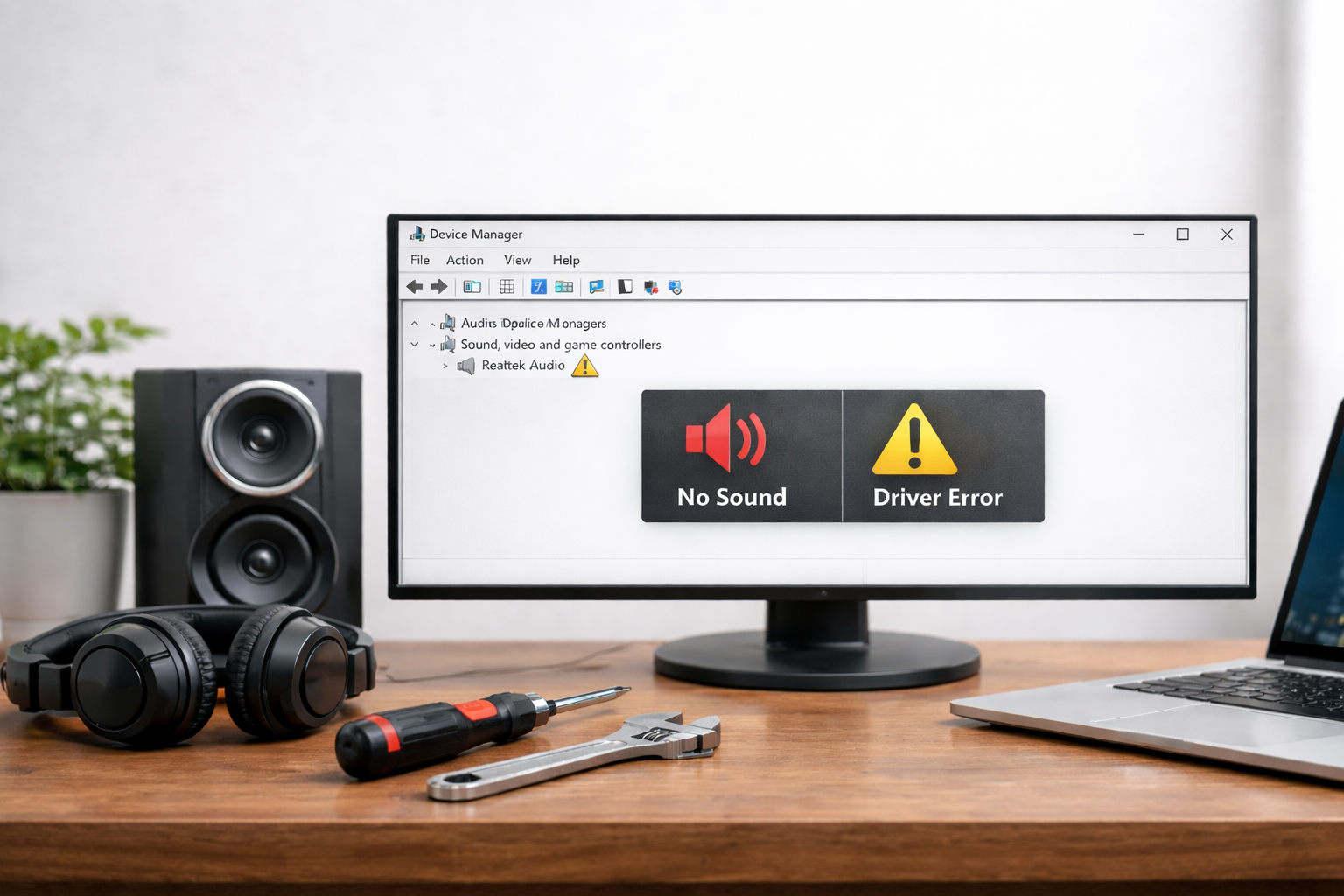
Think of an audio driver as a translator. Your operating system speaks "software," and your speakers speak "hardware." The driver sits in the middle, translating code into the music, game sounds, and voices you hear. When that translator gets confused or outdated, the sound stops.
Method 1: The Manual Troubleshooting Checklist
Before diving into deep system changes, let's start with the manual fixes that solve about 70% of common audio bugs.
Check the "Physical" Basics
- The Mute Trap: Check your keyboard for a dedicated mute key. Sometimes it’s a physical switch on your headset.
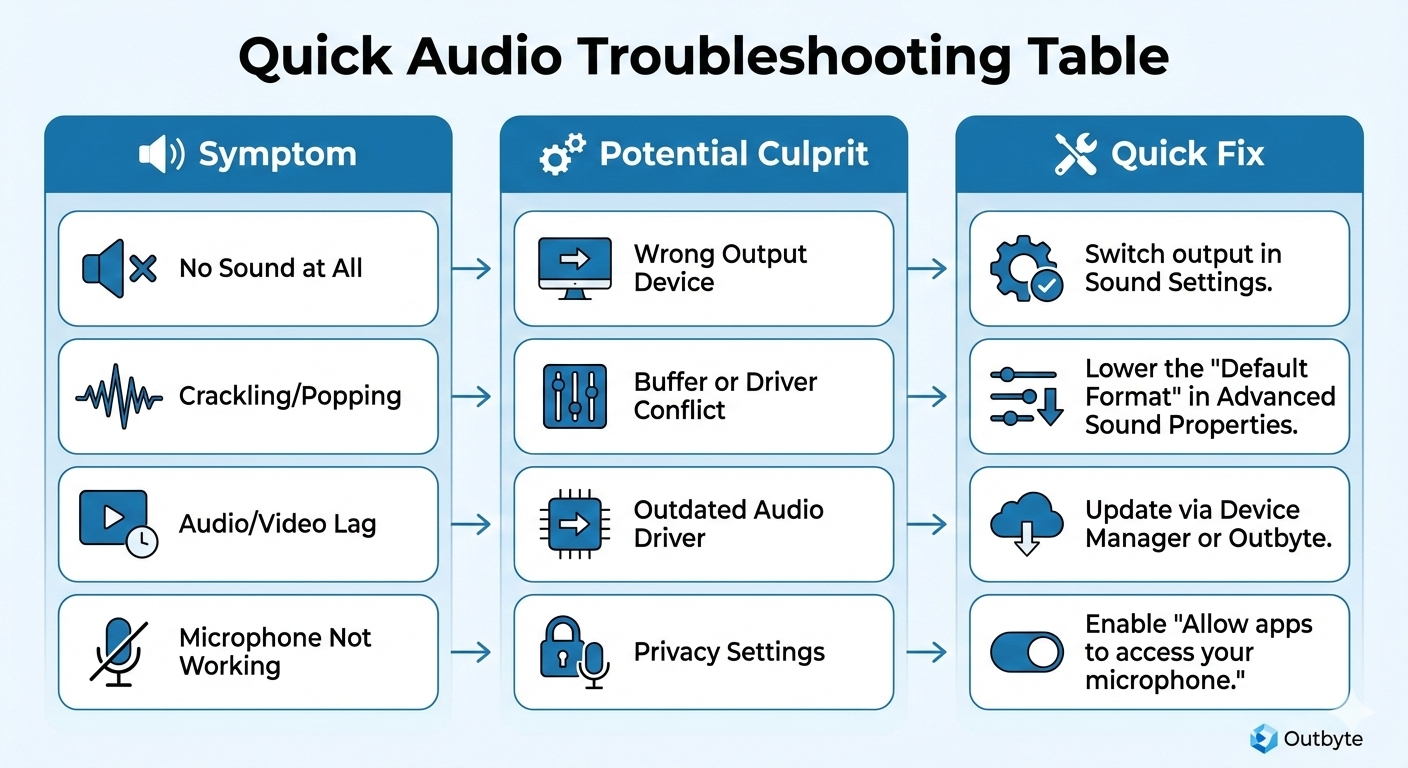
- The Default Device: Right-click the speaker icon > Sound Settings. Under "Output," ensure the correct device (Speakers, Headphones, or HDMI) is selected.
Use the Device Manager
This is the most direct way to talk to your hardware:
- Press Win + X and select Device Manager.
- Expand Sound, video and game controllers.
- Right-click your audio device (e.g., Realtek, Intel Smart Sound, or NVIDIA High Definition Audio).
- Select Update driver > Search automatically for drivers.
- Pro Tip: If an update doesn't work, try Uninstall device and restart your PC. Windows will attempt to reinstall a fresh copy of the driver upon reboot.
Restart the Audio Services
Sometimes the driver is fine, but the Windows service managing it has crashed:
- Press Win + R, type services.msc, and hit Enter.
- Find Windows Audio and Windows Audio Endpoint Builder.
- Right-click each and select Restart.
Method 2: The Automatic Solution with Outbyte Driver Updater
Manual troubleshooting is great, but it has a major flaw: Generic Drivers. Windows often installs a "standard" driver that works, but doesn't support your hardware's specific features like Dolby Atmos, specialized equalizers, or noise cancellation.
Outbyte Driver Updater is designed to find the specific manufacturer-signed driver that matches your exact hardware ID.
Why use Outbyte instead of manual searching?
- No More Guesswork: There are thousands of audio driver versions. Outbyte identifies your motherboard's specific audio codec (ALC series, etc.) to ensure a perfect match.
- All-in-One Repair: Often, sound issues are caused by outdated Chipset drivers or USB controllers. Outbyte scans your entire system, not just the audio folder.
- Safety Backup: If a new driver changes the sound profile in a way you don't like, Outbyte allows you to roll back to your previous version instantly.
- Performance Optimization: Outbyte doesn't just "fix" sound; it updates your drivers to the latest versions which often include patches for lower latency and better CPU efficiency.
How to restore your sound in 3 steps:
- Run a scan with Outbyte Driver Updater.
- Identify any "Audio" or "Sound" drivers marked as outdated.
- Click Update and let the program handle the download and installation.